
Shifts and templates
Create, edit or delete shifts
Manage individual dated shifts from the weekly calendar.
1. Create shifts
From the weekly calendar, add a shift for one or more selected dates. Enter start and end times and optionally add a name, color and break policy. New shifts begin without employee assignments.
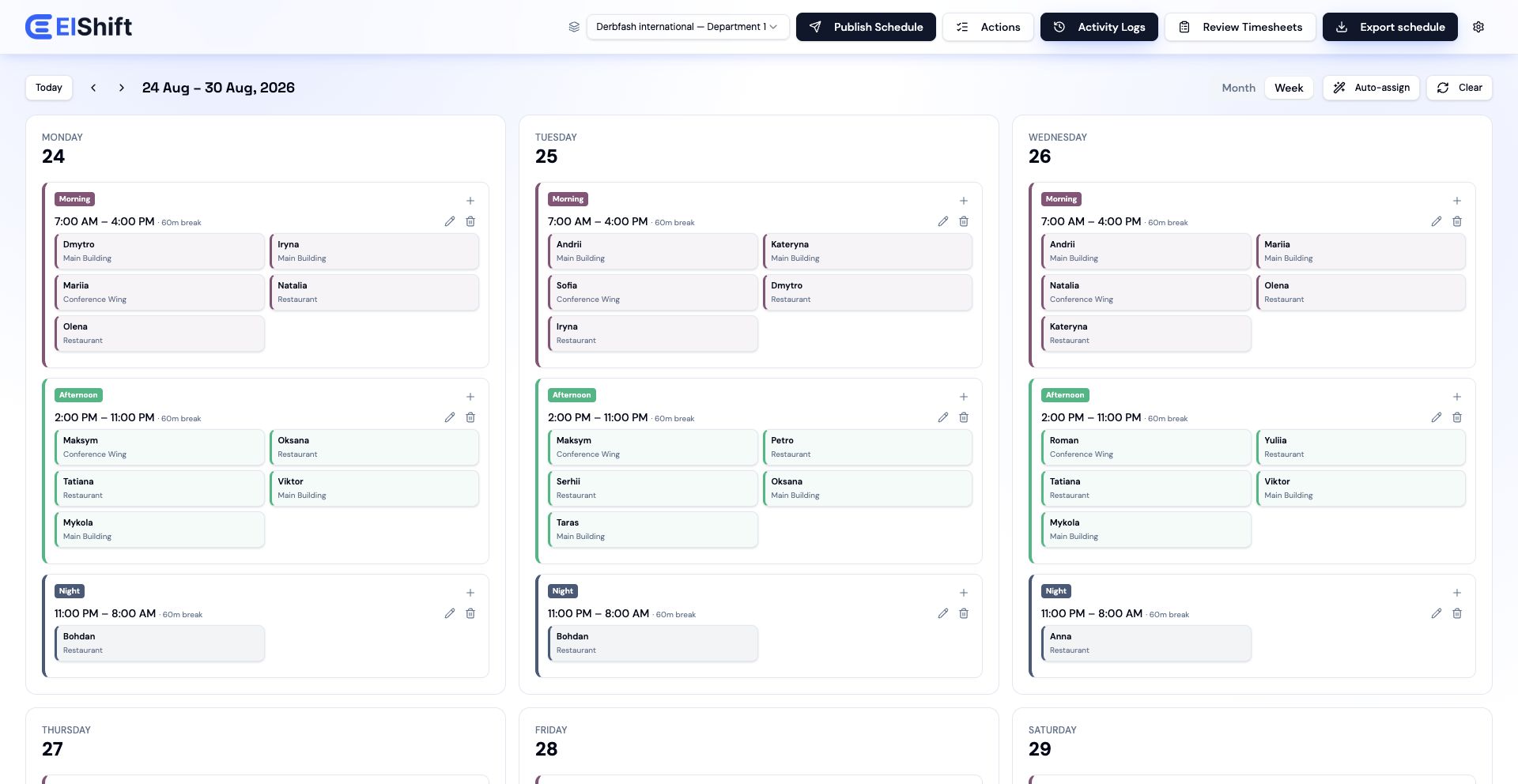
2. Edit a shift
- 1.Open the shift menu and select Edit.
- 2.Change its name, times, break minutes, paid status, optional break start or color.
- 3.Select Save changes.
3. Delete a shift
Choose Delete from the shift menu and confirm. Deleting an individual shift removes that date only. For a recurring template, use the template settings to skip dates or delete the template entirely.
Last updated · Sep 9, 2026